Real Resume Photo Examples
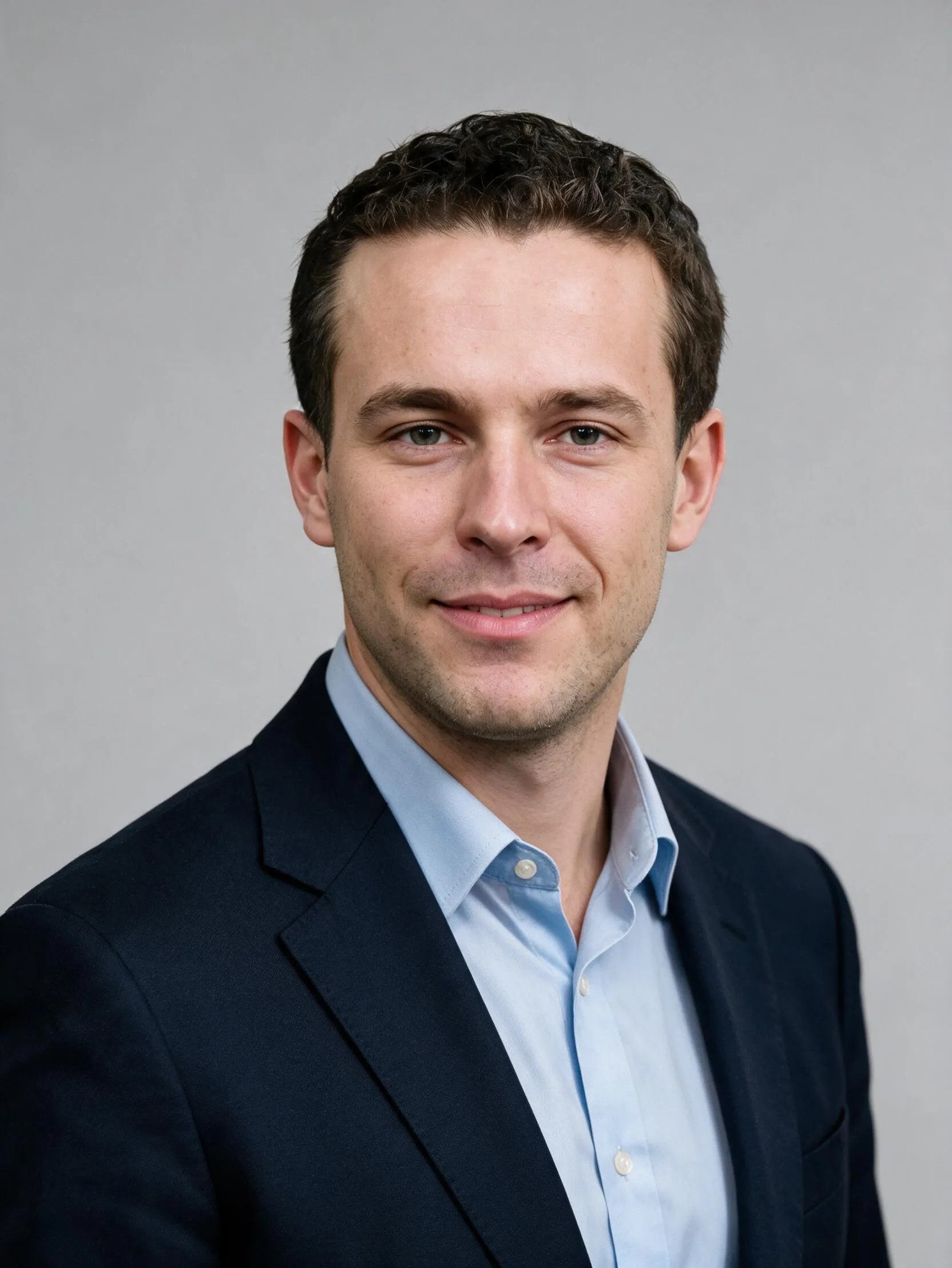
Before
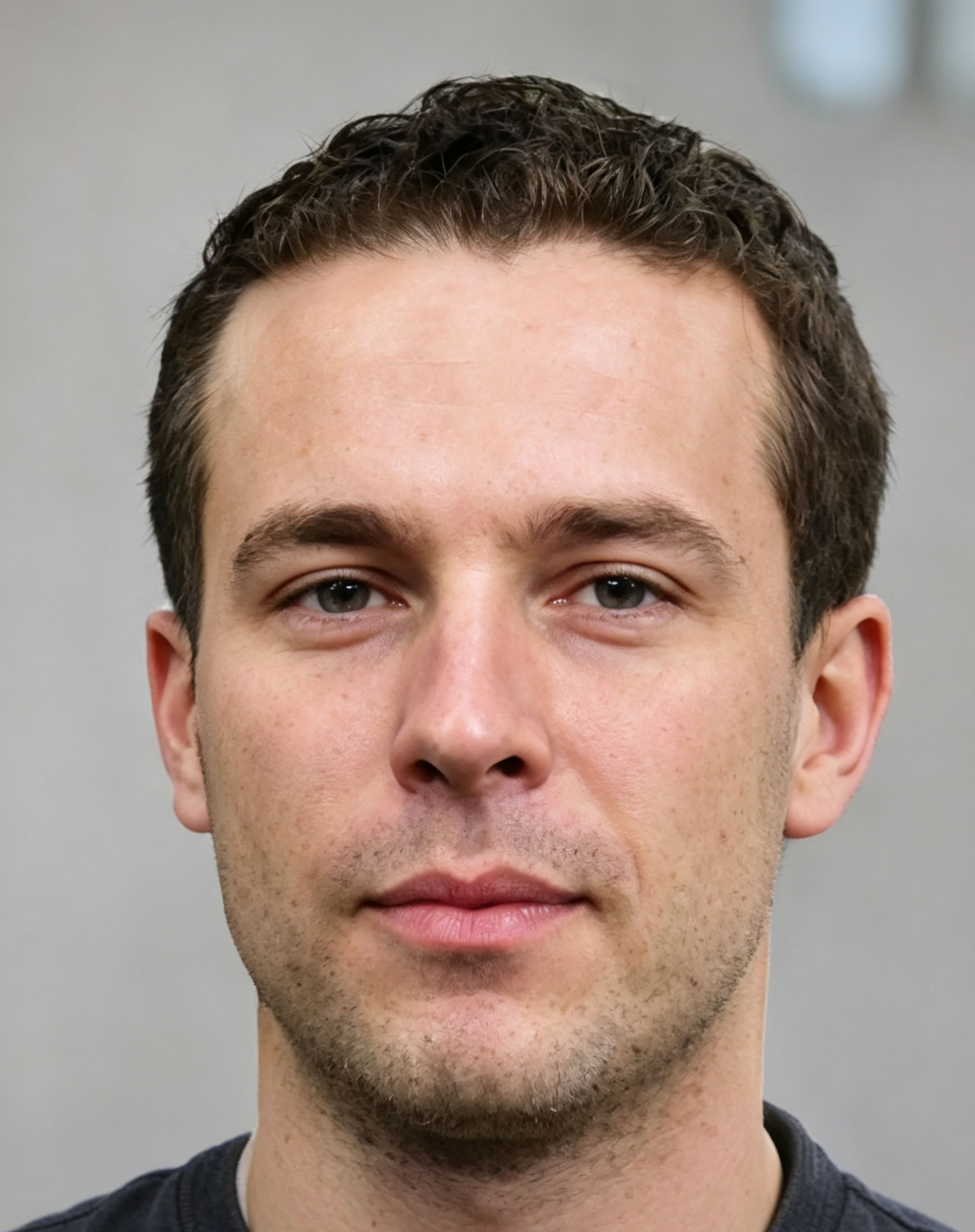
After
Before
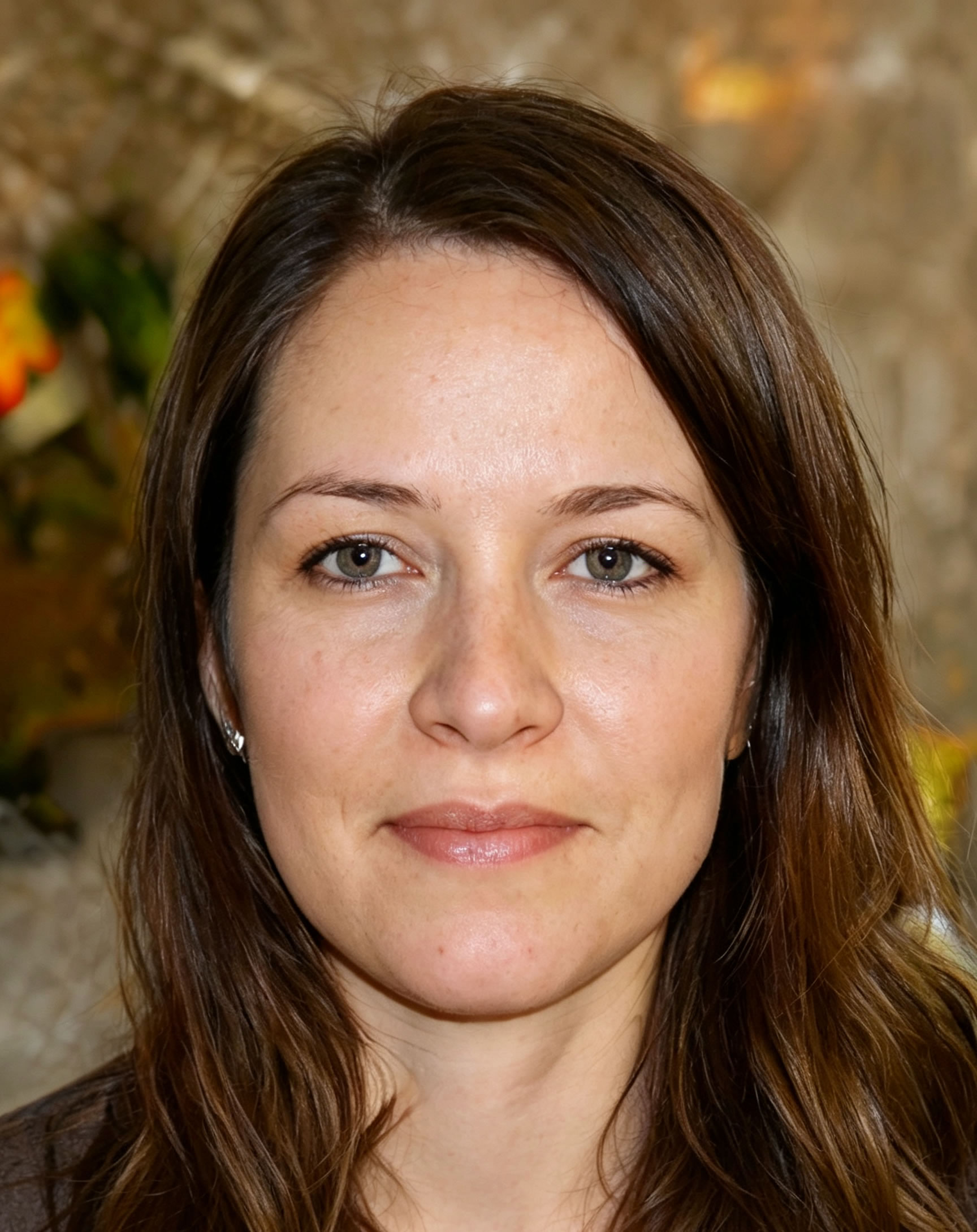
After
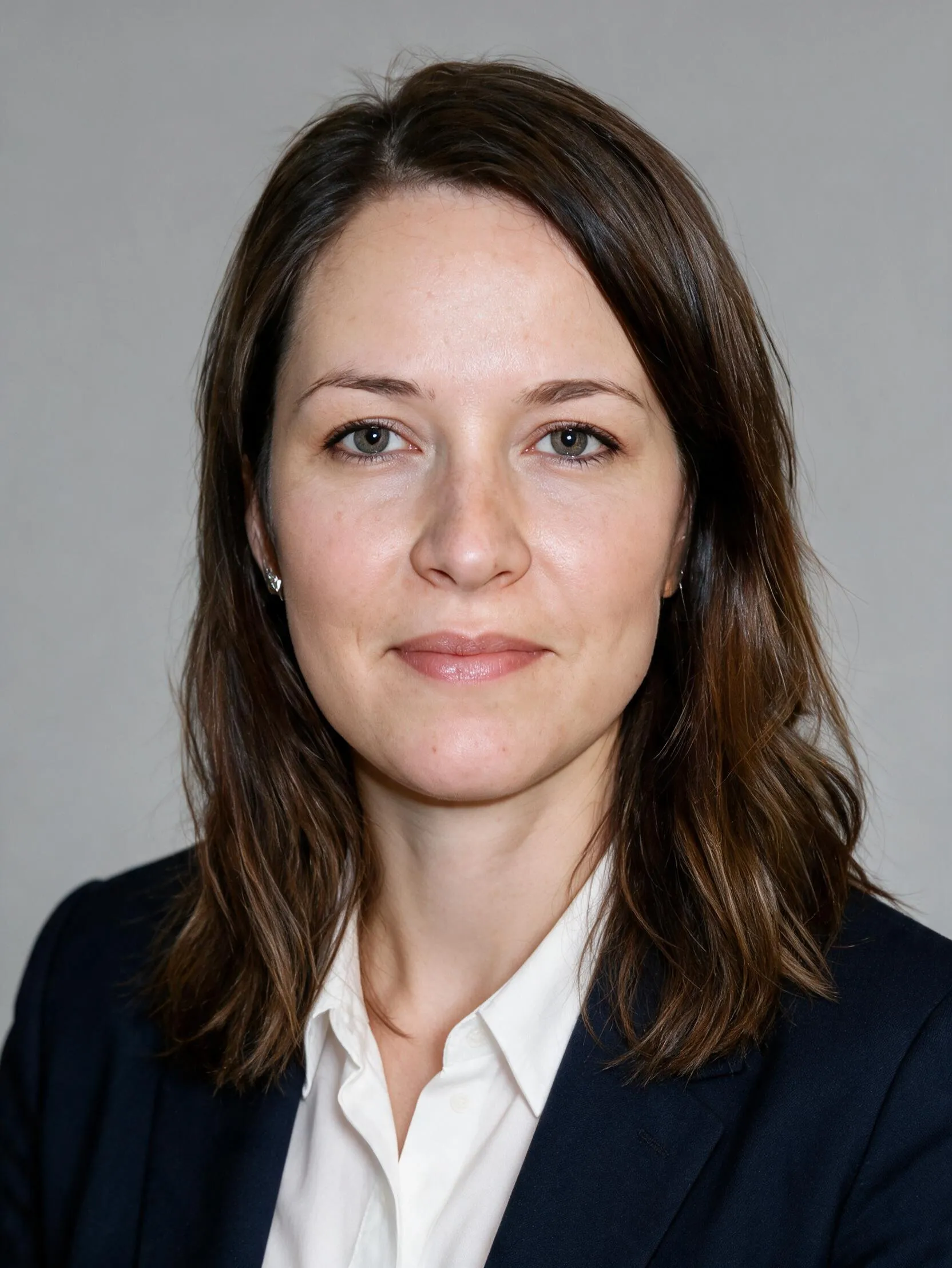
Before
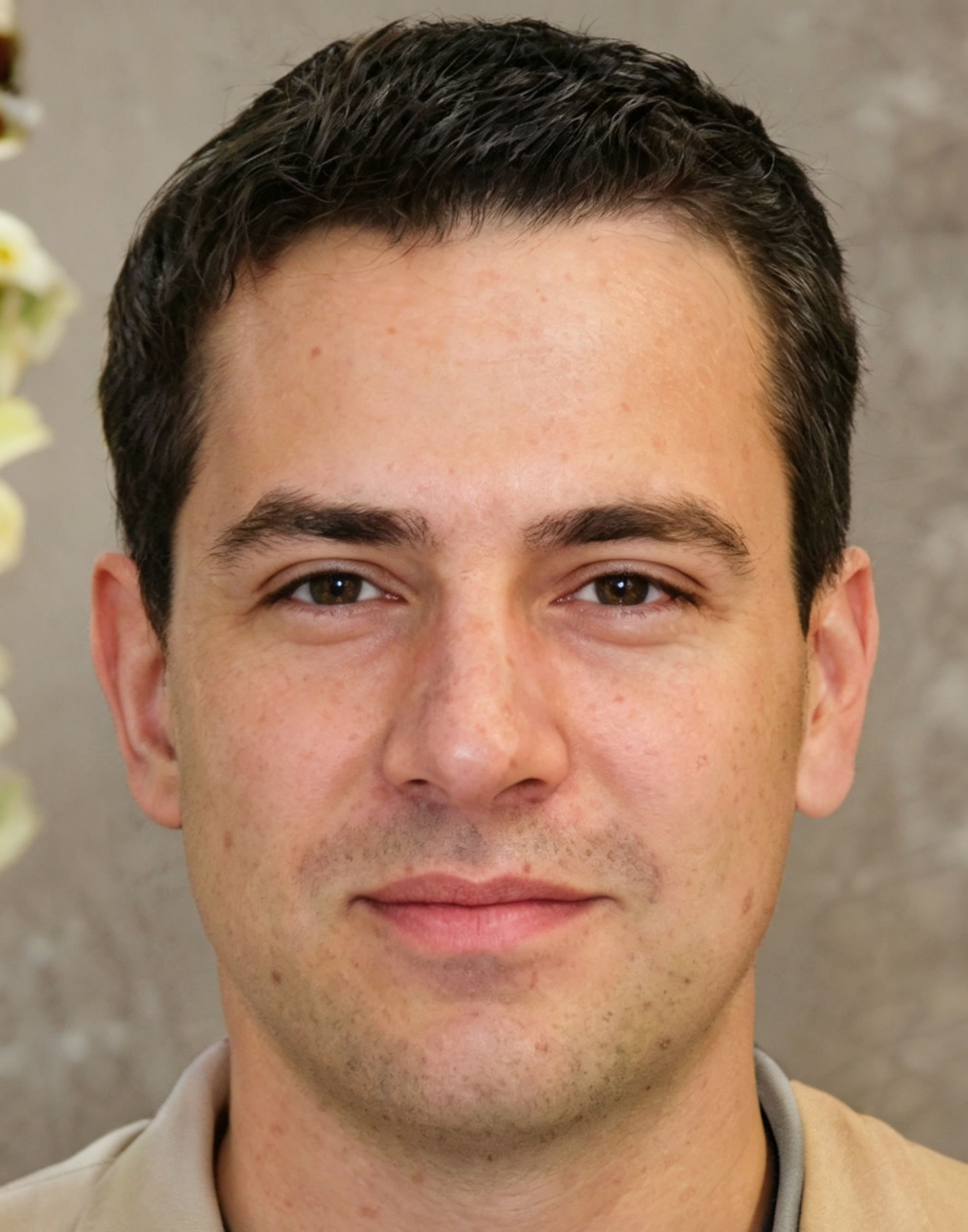
After

Before
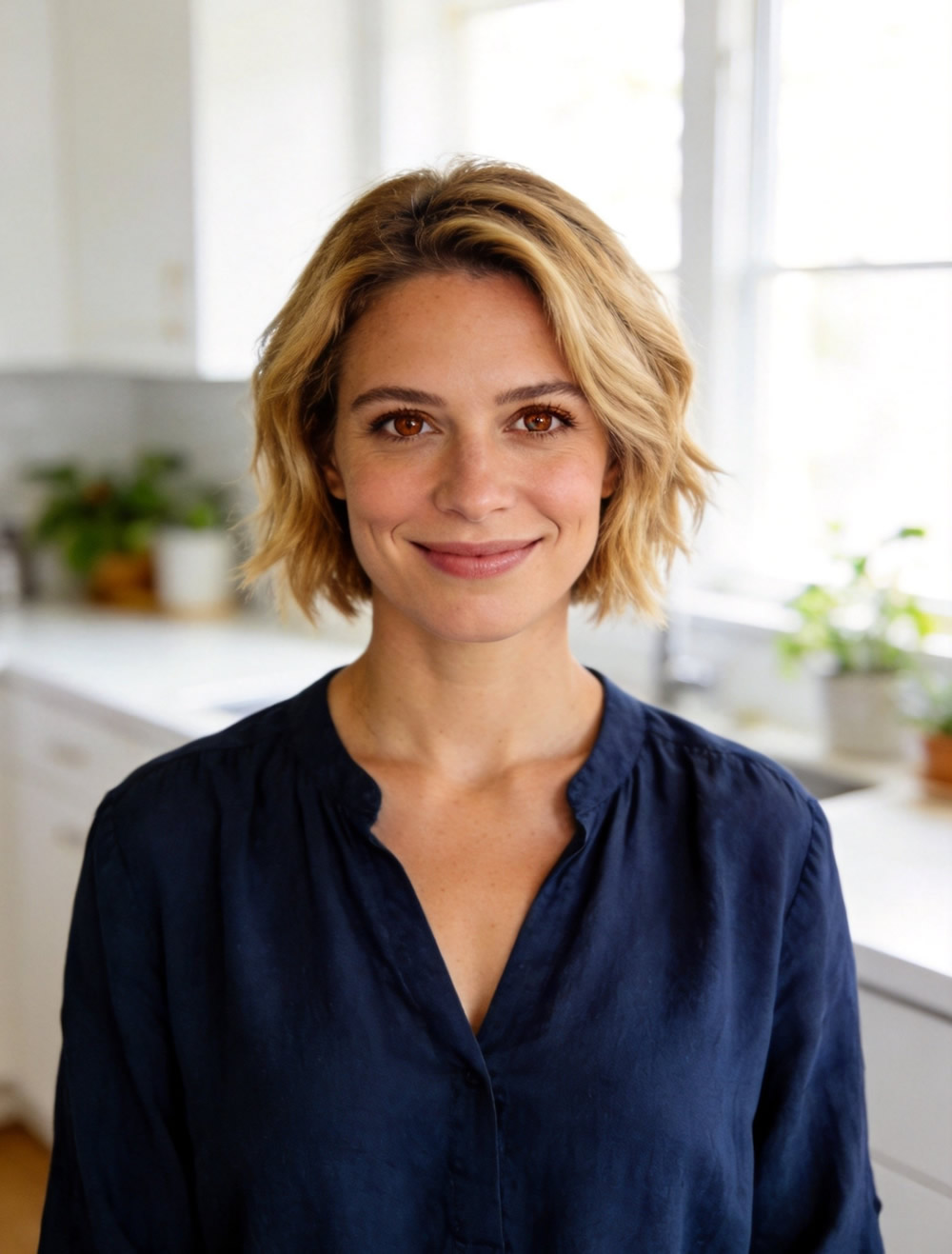
After
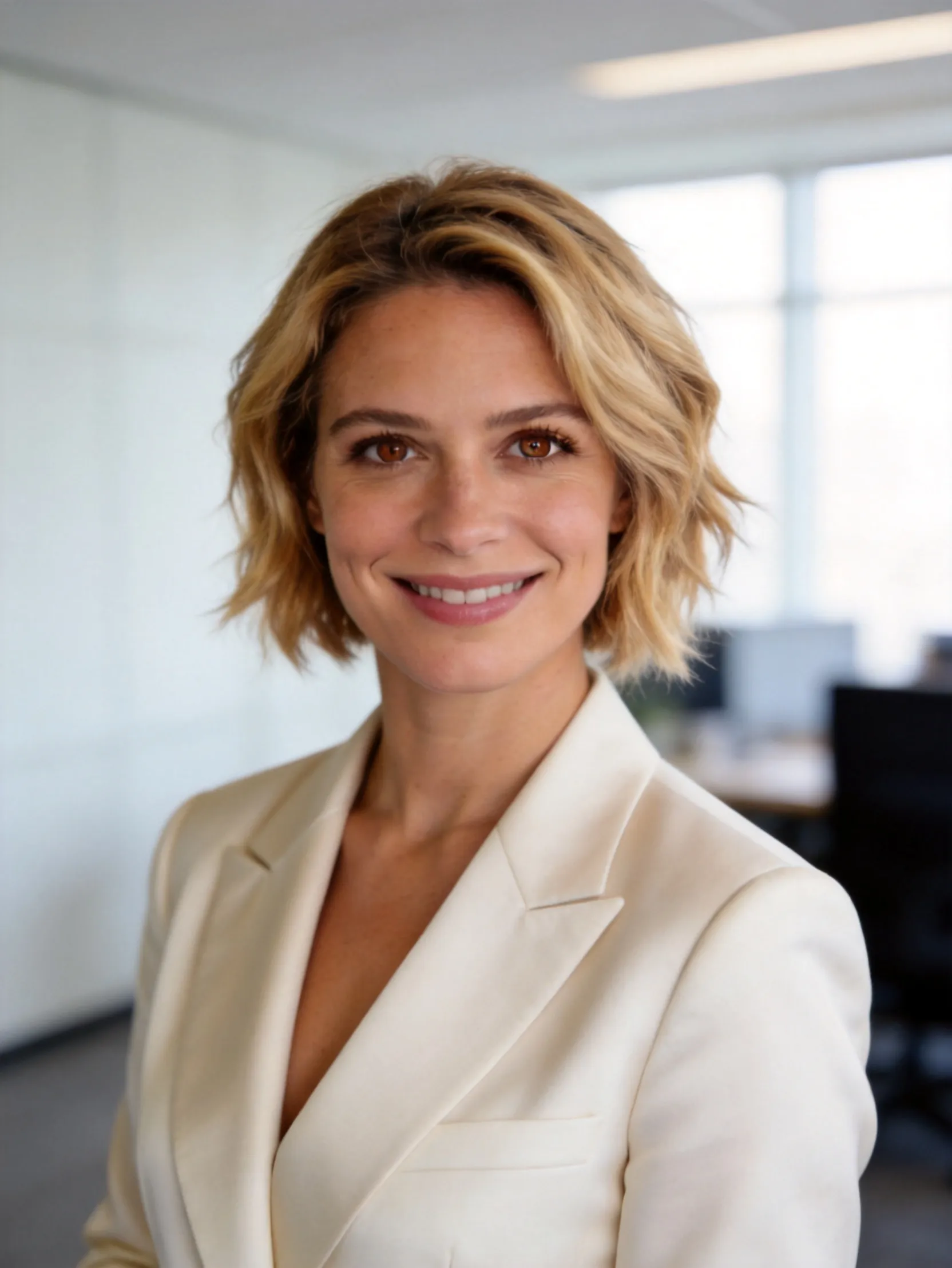
Turn your selfie into a professional resume photo in seconds.
Perfect for CVs, job applications, LinkedIn, and personal branding.
Before
After
Before
After
Before
After
Before
After
Studio lighting and retouching without visiting a studio.
No photographer needed. Get multiple variations instantly.
Much cheaper than traditional professional headshots.
Business formal, casual, creative, and more.
Take a clear photo in good lighting.
Our AI generates professional variations.
Choose your favorite and download instantly.
| Feature | AI Resume Photo | Traditional Studio Photography |
|---|---|---|
| Cost | $9 - $29 | $150 - $450 |
| Time Required | Under 60 seconds | 1-2 weeks (booking + editing) |
| Outfit Changes | Unlimited | Limited (1-3 outfits) |
| Background Options | Any style instantly | Limited studio options |
| Convenience | Excellent (anytime, anywhere) | Need appointment + travel |
| Number of Photos | 20-50 variations | 5-15 photos |
| Revision Speed | Instant | Days to weeks |
| Best For | Job seekers, LinkedIn, CVs | High-end branding shoots |
Stand out in competitive applications with a professional headshot that builds trust instantly.
Make a strong first impression on your first job applications and LinkedIn profile.
Refresh your image for promotions, job changes, or industry networking.
Project authority and confidence with premium executive-style headshots.
Build credibility with clients through polished, professional visuals.
Present a confident, updated image for your new industry.
Yes. Modern recruiters and hiring managers widely accept AI-generated professional photos for resumes and applications.
Absolutely. Many professionals use our AI photos for LinkedIn. They look natural and professional.
Business formal or business casual works best. Solid colors (navy, grey, black, white) photograph well. Avoid busy patterns.
Yes. White or light neutral backgrounds are most common for professional resumes and CVs.
You get 1–6 high-resolution variations per generation, depending on the style you choose.
Yes. Uploading 1–4 different angles usually gives the best and most natural results.
Yes. Your photos are processed securely and automatically deleted after generation. We never share your images.
For most job applications and LinkedIn profiles, yes. For very high-end branding shoots, some people still prefer traditional photography.
Usually 30–60 seconds per set of photos.
You receive high-resolution 4K images (up to 4096×4096 pixels) suitable for printing and digital use.
Yes. We have styles optimized for tech, finance, creative, consulting, academia, and more.
You can regenerate with different photos or styles. Most users get great results on the first or second try.